



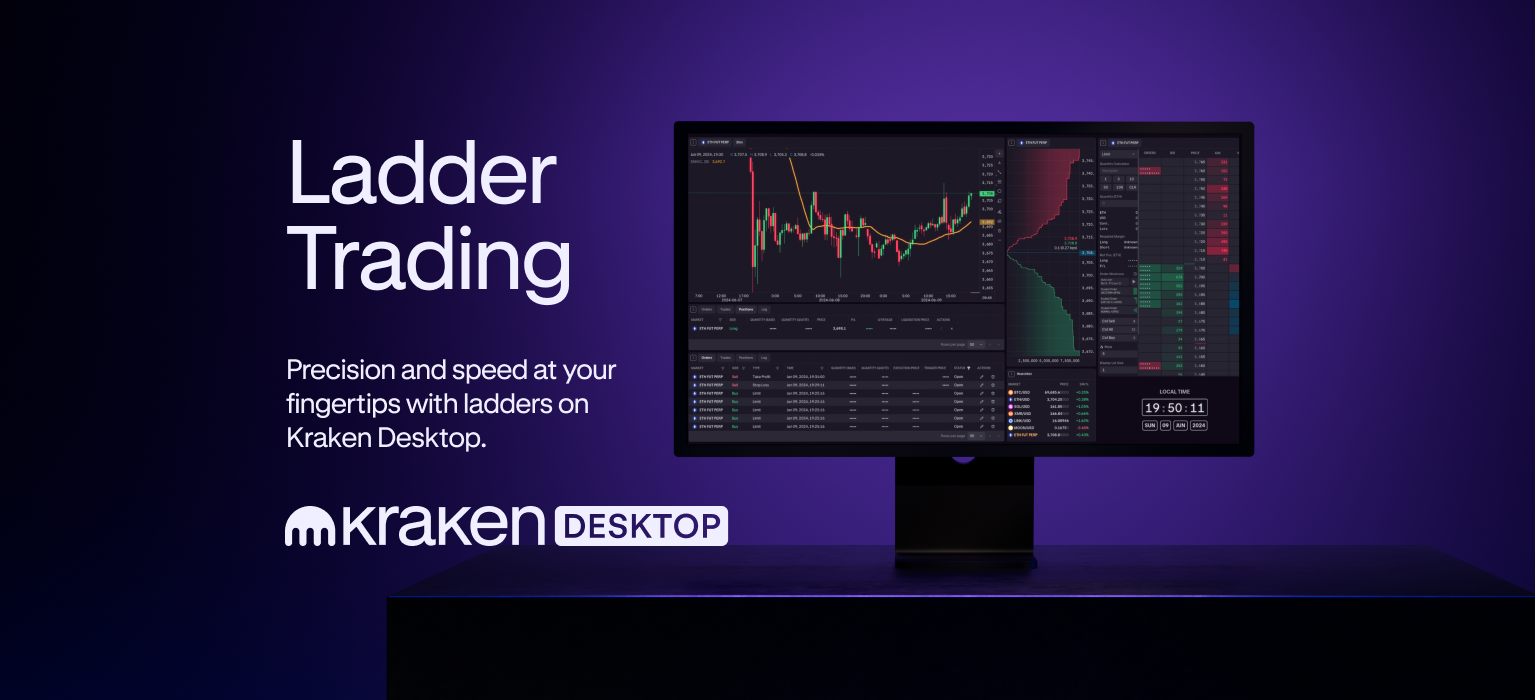
The ladder trading tool on Kraken Desktop combines the power of multiple order types into a single trade, giving you greater flexibility and customization options.
A ladder trading module integrates multiple trading tools into one intuitive feature. It combines:
All of this information is presented in a clear, functional multi-column layout, including bids, asks, price levels, orders, and last traded quantity (LTQ).
This setup not only provides comprehensive market insight, but also enables rapid point-and-click order execution, allowing you to instantly adapt your order to rapidly changing markets.

Advantages of using a ladder over standard order tickets
- Improved speed and efficiency: Achieve immediate order placement and adjustment by dropping orders into the ladder module
- Real-time market information: Make informed decisions with an instant view of market depth and recent trades.
- Simplified management: Adjust orders directly in the Ladder module by simply dragging and dropping them to new price levels.
- Simultaneous multi-market monitoring: Manage multiple markets on a single screen and react to market movements in real time
Configuring the ladder trading module
Kraken Desktop is all about creating a custom trading interface that meets your specific needs. Choose how you want to display:
- The quote or base currency
- Changes in price steps (to see the depth of market visibility)
- Lot size controls to monitor liquidity
- Trading volumes
Execute commands using a ladder
Ladder trading unlocks multiple trading tools in one easy-to-use feature. Order types include limit, take profit, take profit limit, stop loss and stop loss limit. Respond instantly to market changes – simply drag and drop orders to their new execution price level.
Trick : For one-click trading, traders can disable order confirmations.
Command shortcuts: scaled commands and automatic join
Streamline your order placement with scalable orders and auto-join features on Kraken Desktop. Configure up to four shortcuts on each of your ladder modules to support your trading strategies.
Staggered orders
Scaling orders allow traders to spread entry and exit prices across multiple price levels (just as you would with dollar cost averaging), minimizing the market impact of large trades.
Example for market makers: Use tiered orders to manage inventory by placing buy orders at multiple descending price levels and sell orders at multiple ascending price levels. This structure allows traders to buy low and sell high while maintaining liquidity.
For example, if a market maker wants to buy 1,000 units of a cryptocurrency, they can use a ladder order to place smaller buy orders at each decreasing $10 level, from $1,000 to $900.
Join automatically
The auto-join feature allows traders to automatically place orders that are offset by the current bid-ask spread by a specific number of price levels or quantities. Choose between 1 and 20 clearing levels, with the ability to add orders to either the demand or supply side of the order book.
Example for market makers: Use automatic join to stay competitive by continually updating buy and sell orders to reflect current order book liquidity.
If the bid-ask spread is narrow, a market maker can configure automatic join to place buy orders at the second largest quantity level on the buy side with a one-step offset, ensuring that they capture all slight price movement. Likewise, they could place sell orders on the sell side with a lag of two levels from the highest quantity and continue to provide liquidity as market conditions fluctuate.
Practical applications for different trading styles
- Scalping: Use the ladder’s ability to quickly execute orders to gain small price advantages: real-time data and rapid entry/exit capabilities are ideal for this high-frequency trading style.
- Day trading: Benefit from efficient ladder order management to capitalize on intraday price movements
- Swing trading: Understand price trends and prepare for longer-term position entries and exits using the visual depth of market data
- Arbitration: Visualize and exploit price differentials across different markets
With the ability to deploy multiple order limit tools in a single transaction on Kraken Desktop, traders can access a whole new level of flexibility, speed and automation. Take action and explore ladder trading today.
Availability of Kraken Desktop is subject to certain limitations and eligibility criteria. These materials are intended for general information purposes only and do not constitute investment advice or a recommendation or solicitation to buy, sell, stake or hold any crypto-asset or to engage in any trading strategy. specific trading. Kraken makes no representations or warranties of any kind, express or implied, as to the accuracy, completeness, timeliness, suitability or validity of this information and shall not be liable for any errors, omissions or delays. in this information or for any loss, injury or damage resulting from its display or use. Kraken does not and will not endeavor to increase or decrease the price of any particular crypto-asset it makes available. Some crypto products and markets are regulated and others are not; In any event, Kraken may or may not be required to be registered or otherwise authorized to provide specific products and services in each market, and you may not be protected by government compensation programs and/or regulatory protections. The unpredictable nature of crypto-asset markets can result in losses of funds. Tax may be payable on any returns and/or increases in the value of your cryptoassets and you should seek independent advice on your tax situation. Geographic restrictions may apply. View legal notices for each jurisdiction here.
The provision of any services through Kraken Desktop, including, but not limited to, services to connect, trade, view market data or otherwise interact with the Kraken Platform, as well as that the display of any content via Kraken Desktop is subject to the Kraken Terms and Conditions.


